Add users to collaborate with you by adding them as members to your Scope.
Before inviting anyone to your scope, ensure you are an administrator of the scope. To invite a user, you'll need that person's email address or their registered Bit Cloud account name. The user must also be a member of the organization.
To add a user to your scope:
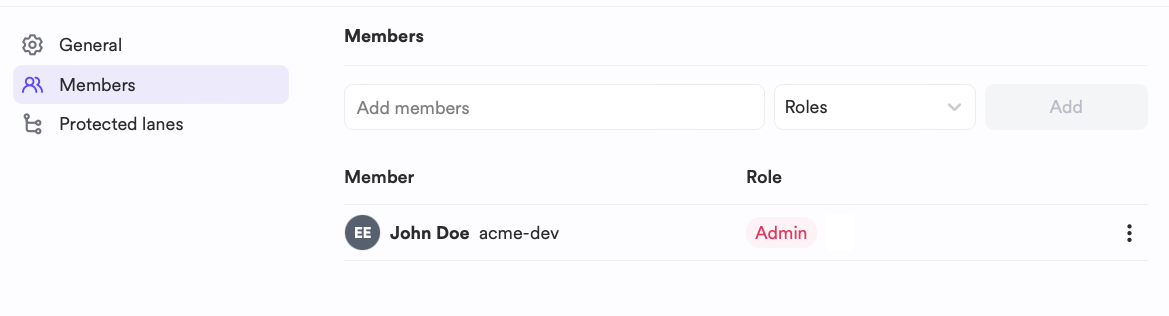
- Go to your scope settings and find the Members tab.
- Type the user's email or account name in the invite box.
- Select the desired role for that person.
- Click the Add button.
The invited user will receive an email notifying them that they now have permissions for the scope.
If you wish to revoke a person's access to your scope, follow these steps:
- Go to your scope settings and find the Members tab.
- Locate the user you want to remove from the list of scope members.
- Hover over the user and select Remove Member.
- Follow the on-screen instructions to remove the user.