You can modify and refactor any component at any time. This document outlines the various methods for updating components within Bit Cloud.
Cloud Workspaces provide a remote development environment where you can edit your component. They offer an in-browser IDE with direct access to the component's implementation.
To edit a component in a Cloud Workspace:
- Navigate to the component you want to modify.
- Click the Edit Component button.
- Run the Bit dev-server to preview your changes.
- Modify the component as needed within the in-browser IDE.
- Once you're satisfied, create a lane from the IDE.
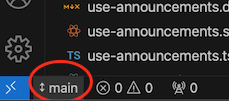
- Provide a name for your lane.

- Then, go to the "Source Control" tab and select "Snap & Export."
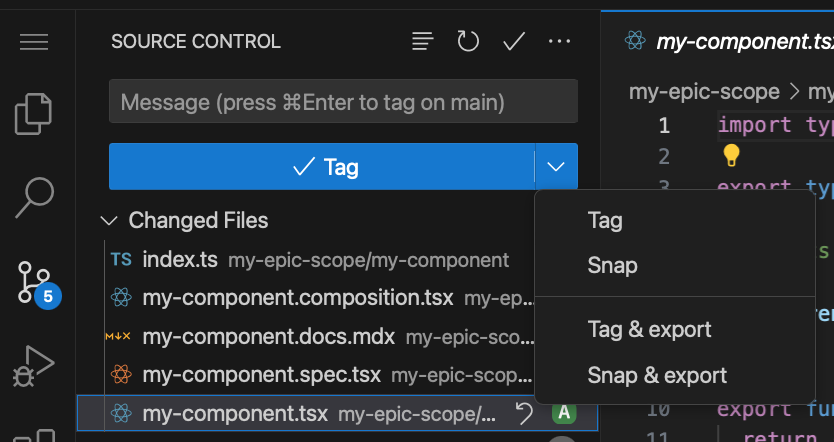
- A dialog will appear, providing a link to track the build process of your changes.
From this point, you can submit changes through change requests or release a new version of the component directly.
Hope AI is an AI assistant designed to help you modify and update your components. It can assist with code changes, provide feedback, and even execute the component's build pipeline.
To use Hope AI to modify a component:
- Navigate to the component you want to edit.
- Click the Hope AI assistant button.
- Choose from the available modification options.
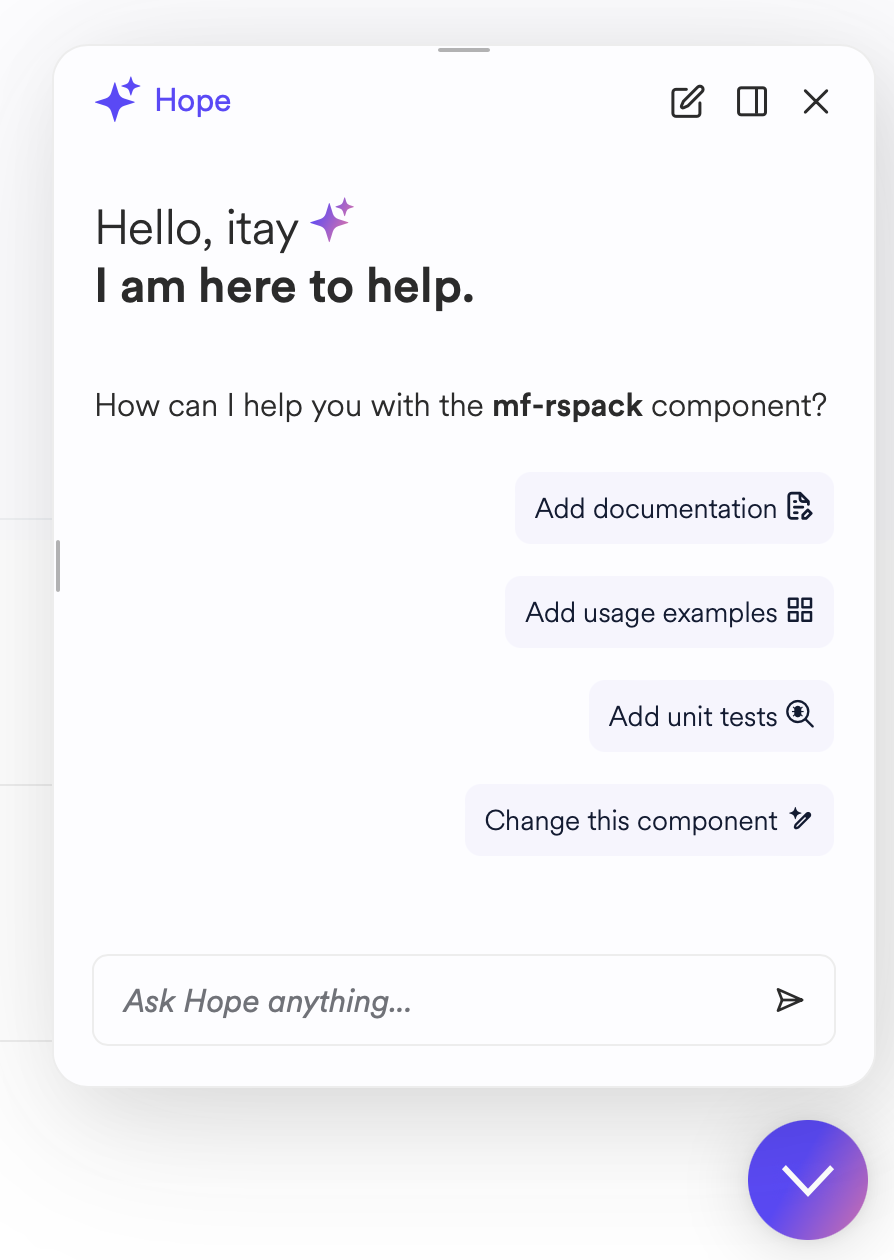
- Hope AI will display the proposed modifications. You can provide further prompts to refine and align these changes.
- When you're satisfied, click the "Snap Changes" button.
- Hope AI will provide a link to the change request containing the changes.
From here, you can ask a peer to review changes or release a new version of the component directly.
If you maintain a local Bit workspace within a Git repository, you can clone the repository and make code changes as you would in any other project.
Bit enables you to create a local workspace for any component in any directory on your computer or server. To do this:
- Install Bit.
- Create a new directory or
cdinto an existing project directory. - Run
bit initin the directory. - Use the
bit importcommand to import a local copy of the component, including all configuration and implementation.
You can now apply code changes directly to the component.