Protected lanes allow you to define more granular control on which Lanes requires a review to be merge into.
Defining a protected lane for a scope
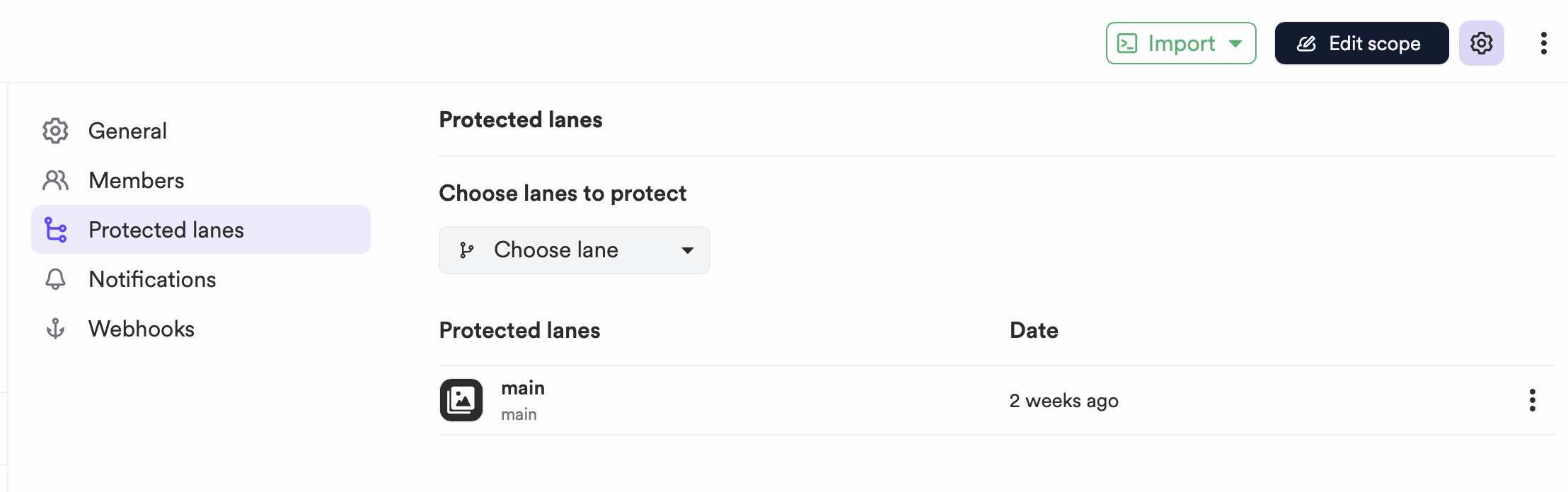
Each team can define protected lanes for their scope, this can be helpful if you want a dedicated lane for your staging environment.
- Navigate to your scope.
- Click on the cog-wheel icon on the top right to reach the "Scope settings" page.
- Select "Protected lane".
- Use the dropdown to select any lane you want and define it as "Protected lane".
As an organization administrator, in the organization settings you can define several rules on protected lanes:
- Protect
mainlane by default. - Allow scope admin to bypass protected lanes.
- Allow organization admin to bypass all review process.
To define global rules on protected lanes and the review process:
- Navigate to your organization dashboard.
- Click on the "Settings" tab.
- Click on the "Protected lanes" section.
- Select any of the rules you need to apply.