Hope AI generates components sequentially, starting with those without dependencies. Monitor the generation status in the list. Once a component is ready, explore it in the overview panel:
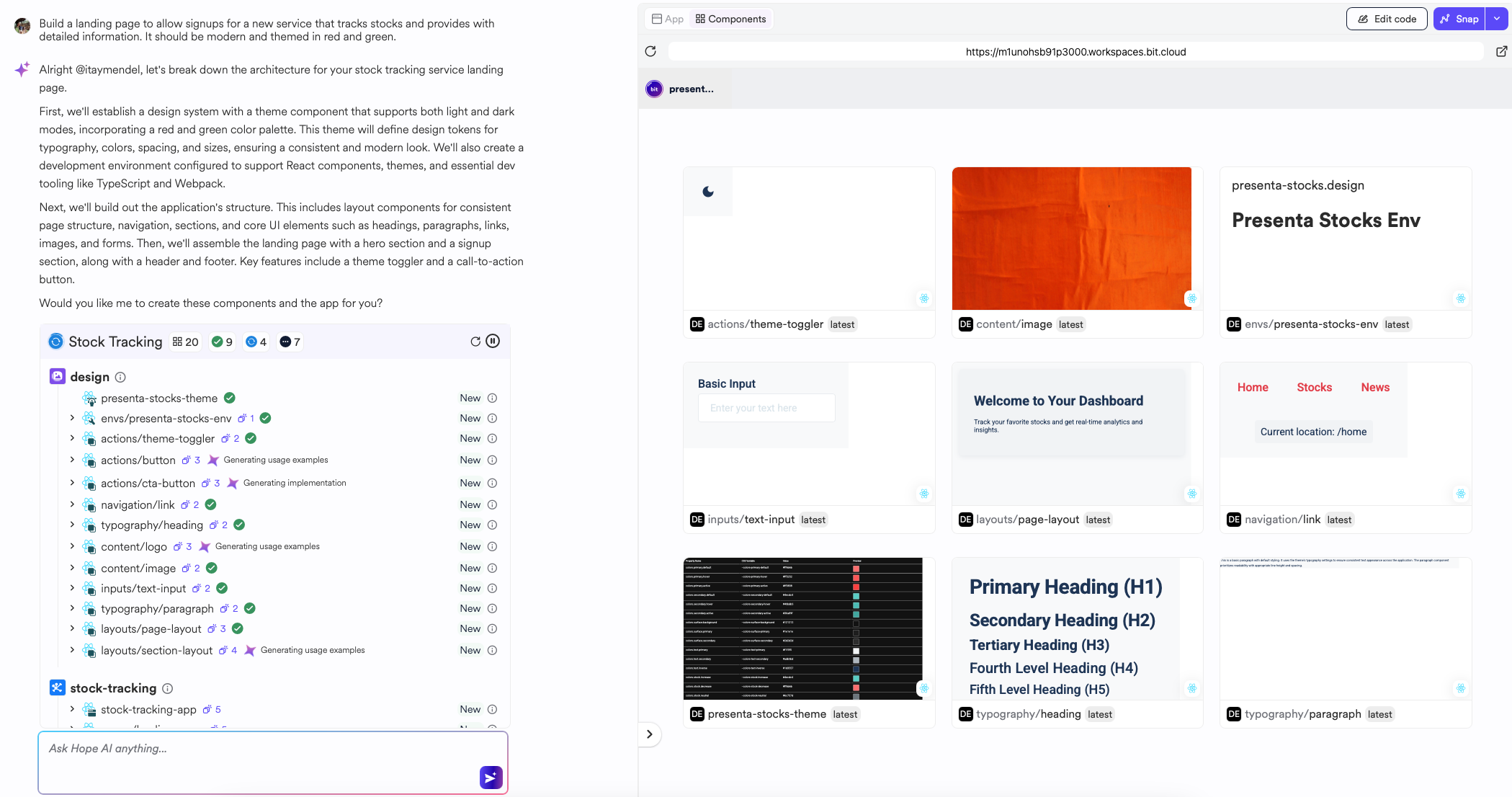
Hope's Component Generation Process:
- Code Generation: Implements the component, including Markdown documentation, unit tests, and usage examples.
- Code Execution: Performs linting, type-checking, and test execution. Hope AI attempts automatic code fixes.
- Dependency Validation: Installs necessary third-party dependencies.
- API Reference Extraction: Generates detailed API schemas and types for clear component integration.
Application and landing page previews become available after their dependencies are generated. Toggle the Preview section to App to view them.

Select a generated component in the grid to view detailed information, including documentation, previews, dependency graphs, API references, and implementation details.
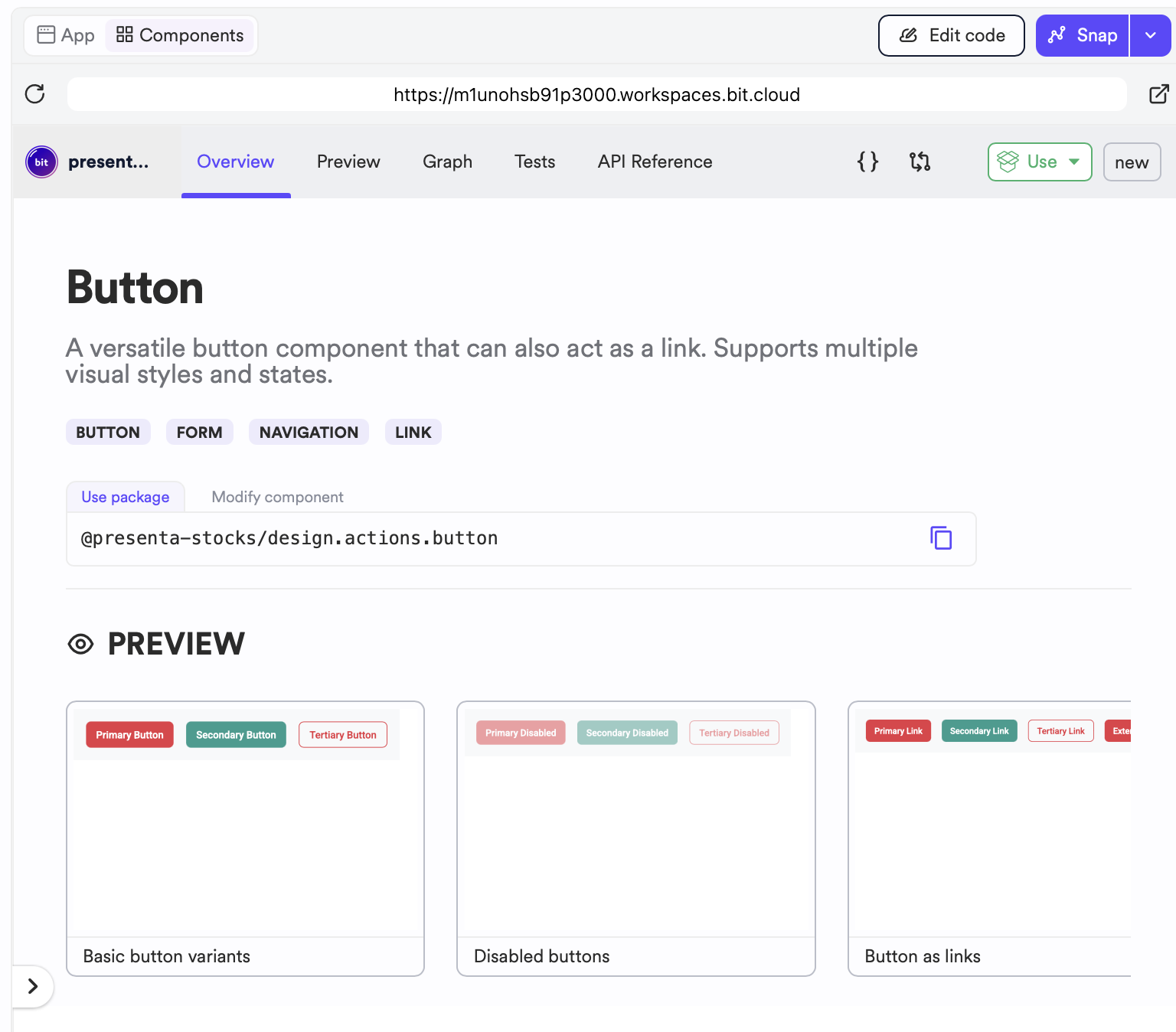
Iterate on components by providing additional prompts or by using the Edit Code action, which opens an in-browser IDE for direct component editing. Changes are reflected in the component overview and app preview. This feature is powered by Cloud Workspaces. Learn more.
When you are satisfied with your components, use the Snap action to create a Change Request. This request encompasses all new and modified components. The process includes a complete CI/CD cycle using Ripple CI. Then you can request a component review and release new component versions.