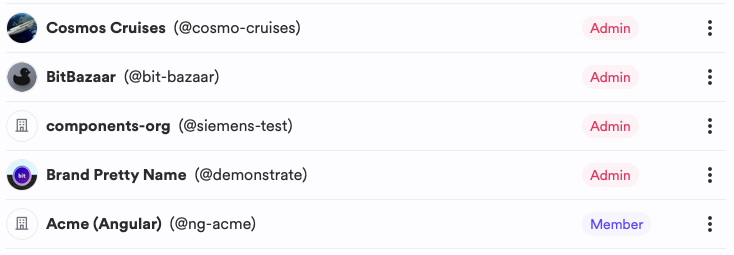
A single personal account can be a member of multiple organizations, enabling collaboration with coworkers or open-source projects when invited by an administrator.
Organizations with SAML Single Sign-On
If your company uses SAML Single Sign-On (SSO) configured for their Bit Cloud account, you'll be automatically added as a member of the organization during signup.
When an organization administrator invites you to collaborate, you'll receive an email notification prompting you to approve the invitation. Upon acceptance, you'll become a member of the organization.
To view all the organizations you're a member of, click your avatar menu, select Settings, and follow the "Organizations" link (or go directly to the organization membership page). You can review your permissions for each organization and choose to leave any organization. You can see your permissions for each organization and leave any organization you choose.