The scope overview page presents information about the specific scope, including its components, the problems they address, and general guidelines for consuming and maintaining the scope.
Personalizing the Scope Overview
Here's how to customize the scope overview:
You must be a scope administrator to access these features.
- Go to the scope page and select the Settings icon.
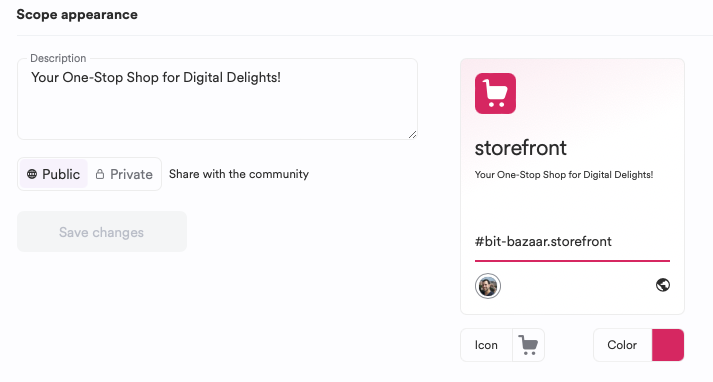
- You'll find several options to customize the scope:
Description: Use this freeform text field to introduce the scope.
Icon: Upload or select an image to establish brand recognition for the scope.
Color: Set a color to enhance brand recognition for the scope.