Bit Cloud's review process provides a multi-layered view of updates, encompassing code changes, test results, rendering, documentation, dependency graphs, and configuration. This facilitates broader stakeholder participation in the review process.
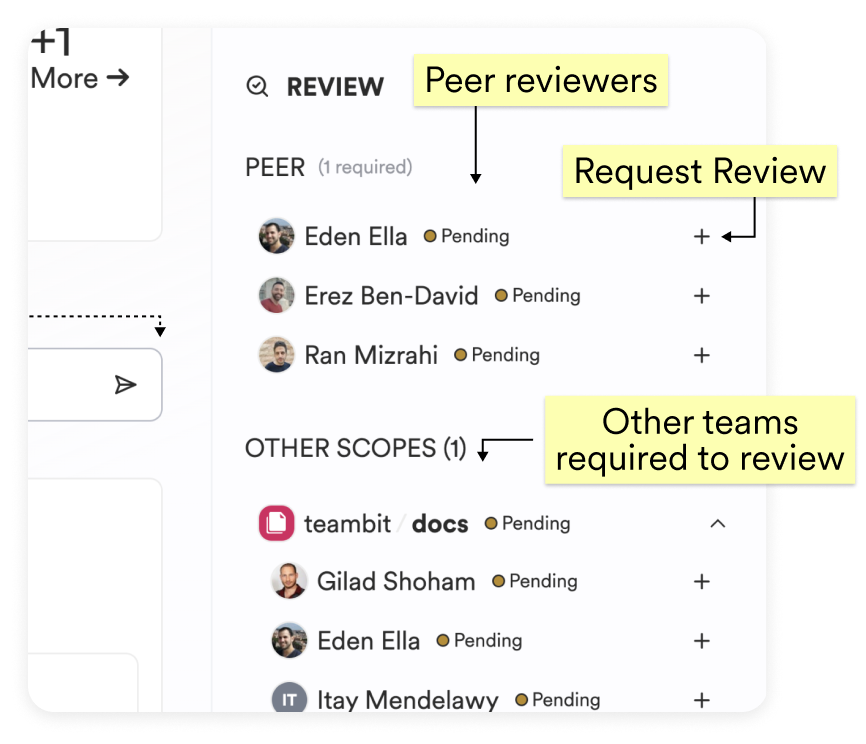
To obtain approval for your changes, you need a peer review. Assign potential reviewers using the "Request Review" feature, which will send them a notification.
If your Change Request includes components from multiple scopes, approvals from reviewers in each scope are required.
Reviewers can initiate and submit their reviews, either approving the changes or requesting modifications, using the "Start a review" button.
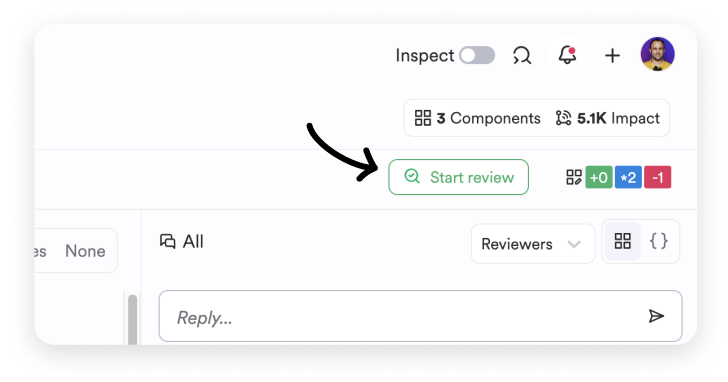
After clicking "Start a review," you'll be redirected to the "Changes" tab, where you can explore all component modifications and their impacts.
Use the available filters to streamline your review:

- Filter by name.
- Filter by type of change (code, dependencies, configuration).
- Filter by scope.
You can also aggregate views by Change Type, Scope, or None.
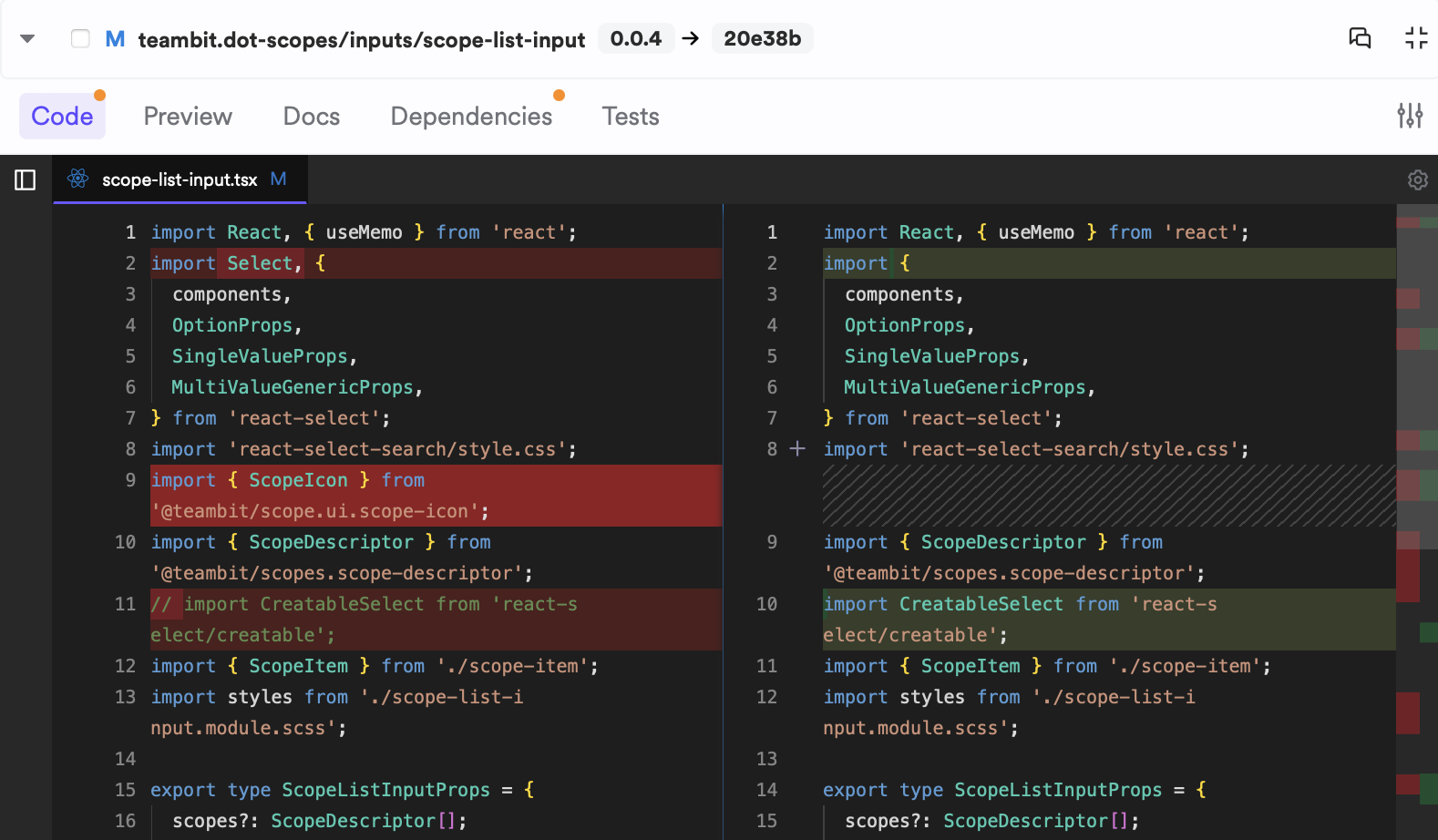
When you select a component for review, the initial tab displays the implementation changes.
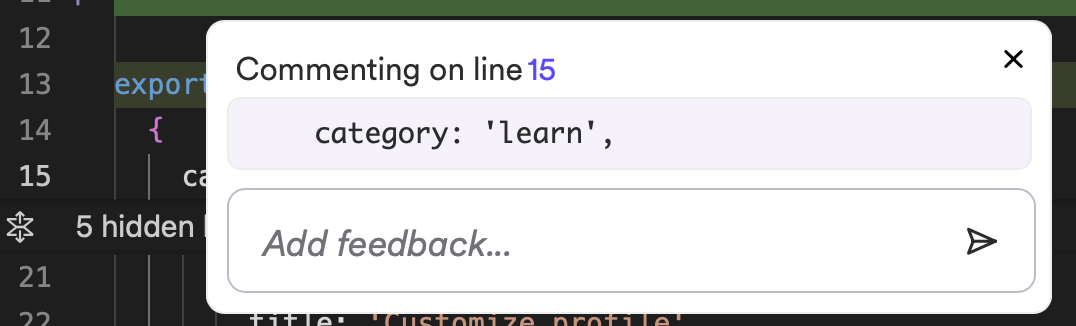
Add comments by clicking on any line:
The Preview tab shows the component's rendering in both the current and modified versions. If multiple previews exist, select the one to review.
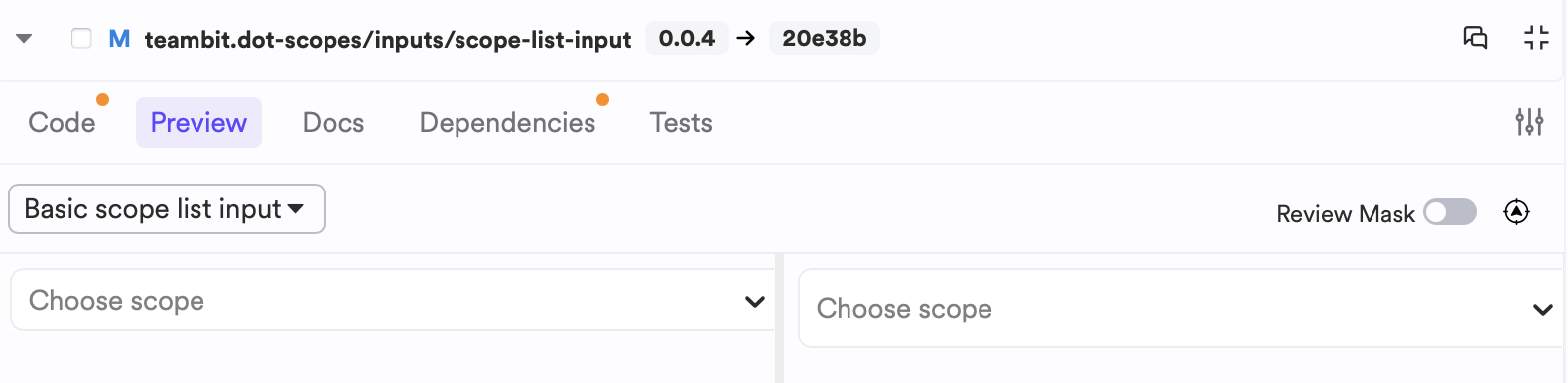
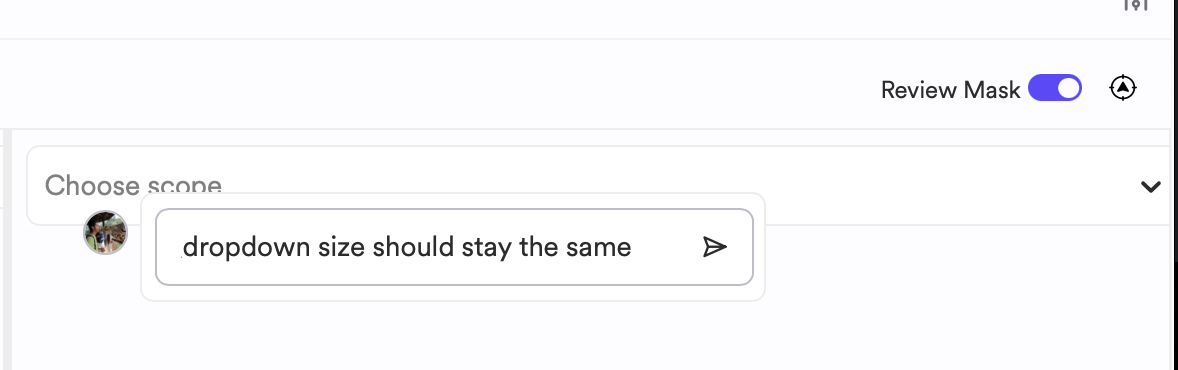
Enable the "Review mask" toggle and click within the preview window to leave a comment.
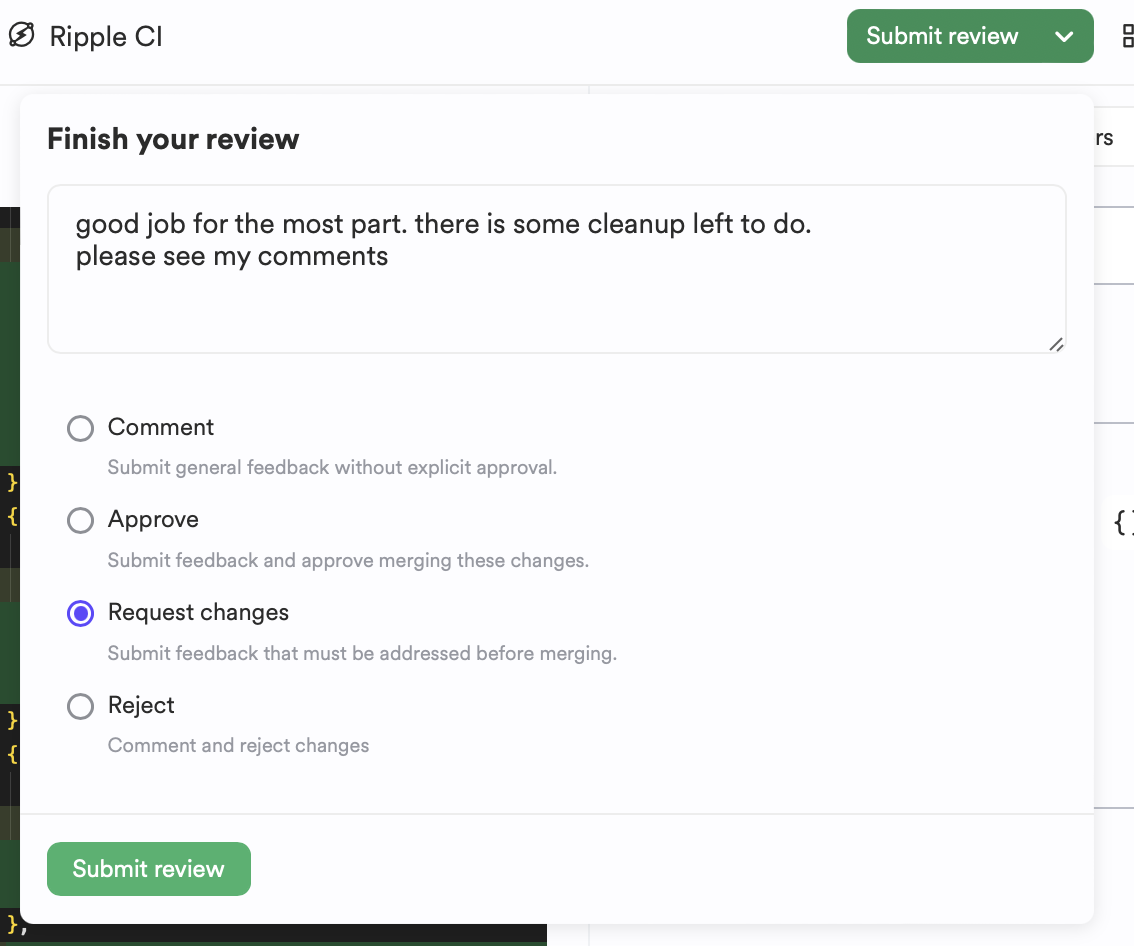
Upon completion, select "Submit review." Provide a final comment and indicate whether there are unresolved issues or if you approve the changes.
Reviewers may provide feedback across multiple components. Use the Review Comment Feed panel to track and respond to all feedback.
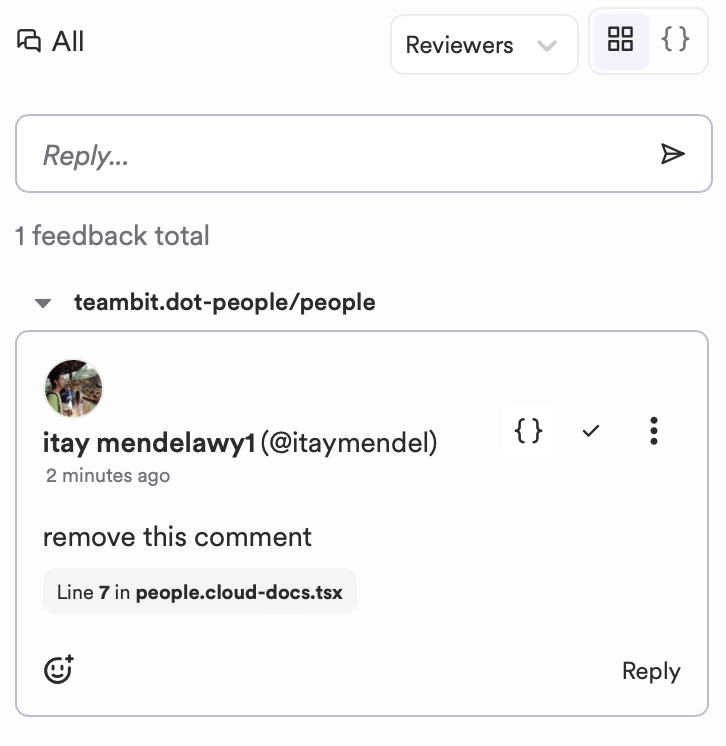
Filter by reviewer or comment type (code or UI), and jump directly to code comments.