When deploying applications using Ripple CI, you might want to utilize secrets to store sensitive information like tokens and passwords. These secrets are then made available as environment variables to your code during the build process.
Creating Secrets:
- Navigate to your organization page (
bit.cloud/YOUR_BIT_ORG). - Select "Settings."
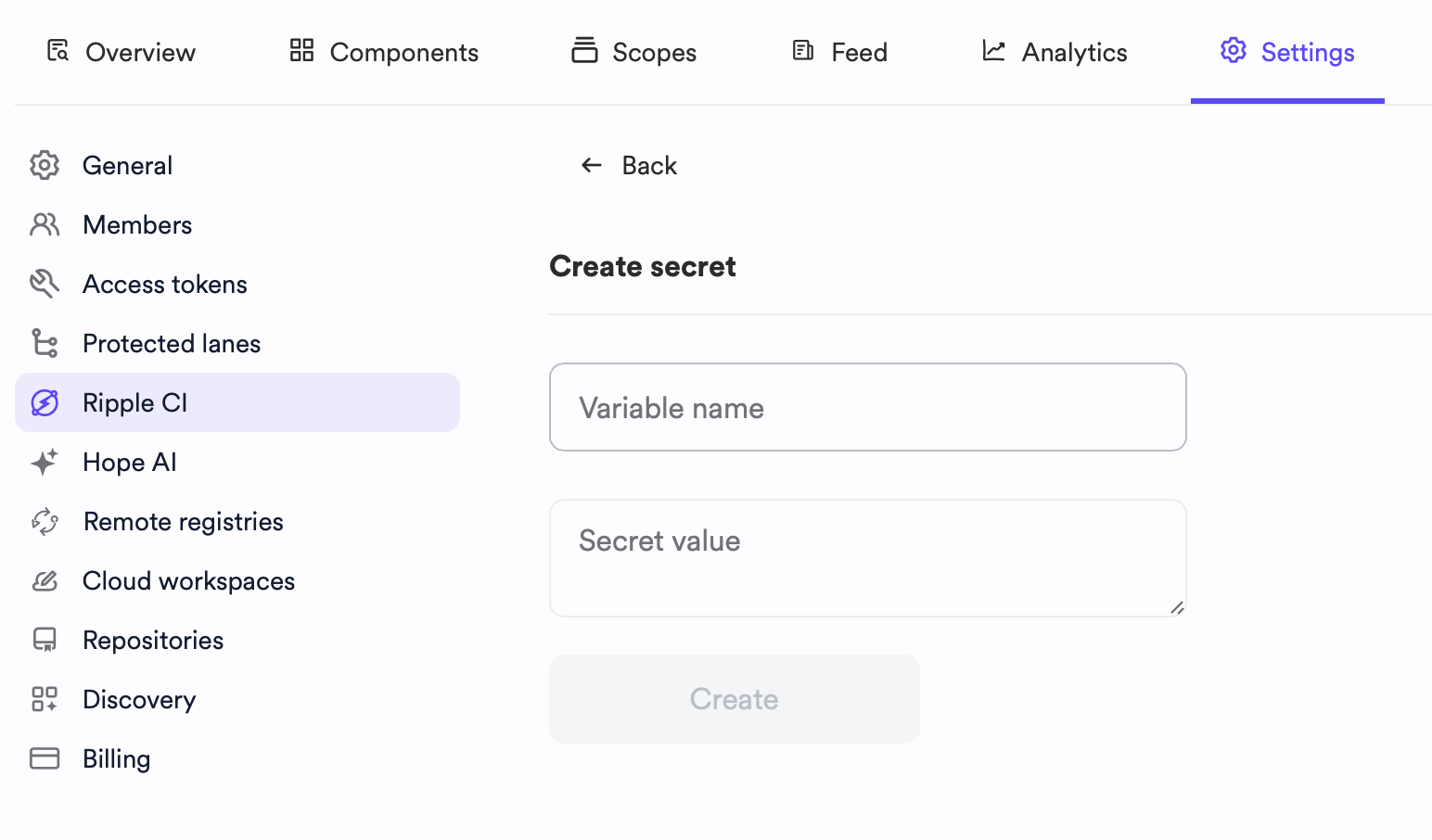
- Select "Ripple CI."
- Click "Create New" and provide a name and value.
You can then view the created secret in the list.
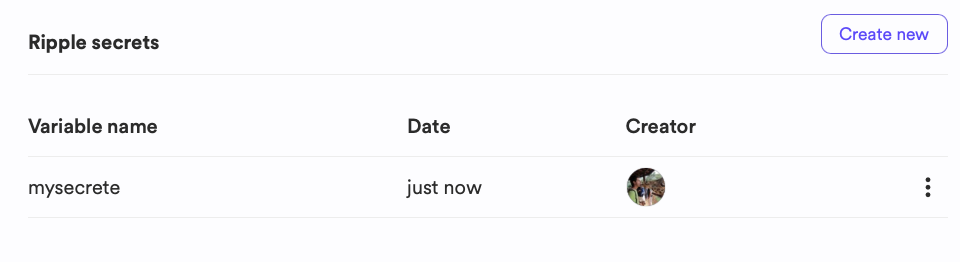
Secrets added at the organization level are accessible for all scopes.
Secrets are exposed as environment variables within your code. Access them using the process.env object in Node.js. For example, for secrets named USER_ID and USER_KEY:
process.env.USER_ID; // "239482" process.env.USER_KEY; // "foobar"

You can edit or delete individual secrets.
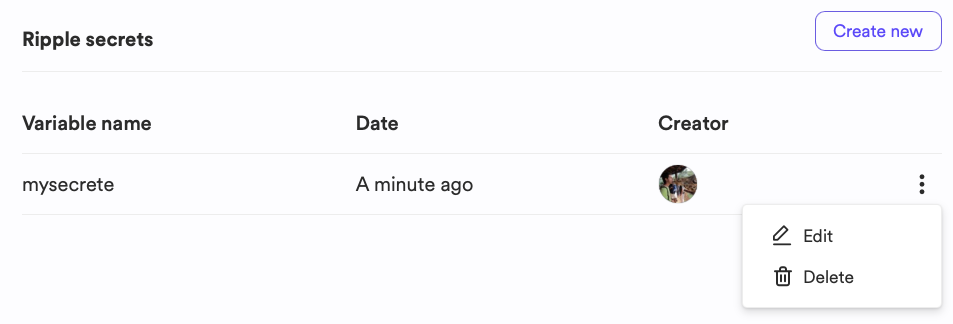
Modify the value of a stored secret at any time. Subsequent builds will use the updated values, useful for token or credential rotation.
- Navigate to your organization page (
bit.cloud/YOUR_BIT_ORG) - Select "Settings".
- Select "Ripple CI".
- Hover over the secret name and select "edit".
- Provide a new value.
- Click "Update"
Remove any configured secret:
- Head over to your organization page (
bit.cloud/YOUR_BIT_ORG) - Select "Settings".
- Select "Ripple CI".
- Hover over the secret name and select "delete".
- Follow the on-screen instruction.